Infinity Nikki - Progress Bar Reconstruction

Date

Jan, 2025

Game Engine

Unreal Engine 5

Tools

Photoshop

Topics

UI Materials

Infinity Nikki - Progress Bar Reconstruction

Date

Jan, 2025

Game Engine

Unreal Engine 5

Tools

Photoshop

Topics

UI Materials

Infinity Nikki - Progress Bar Reconstruction

Date

Jan, 2025

Game Engine

Unreal Engine 5

Tools

Photoshop

Topics

UI Materials

Infinity Nikki - Progress Bar Reconstruction

Date

Jan, 2025

Game Engine

Unreal Engine 5

Tools

Photoshop

Topics

UI Materials

Infinity Nikki - Progress Bar Reconstruction

Date

Jan, 2025

Game Engine

Unreal Engine 5

Tools

Photoshop

Topics

UI Materials

Final Result in UMG.

Project Overview

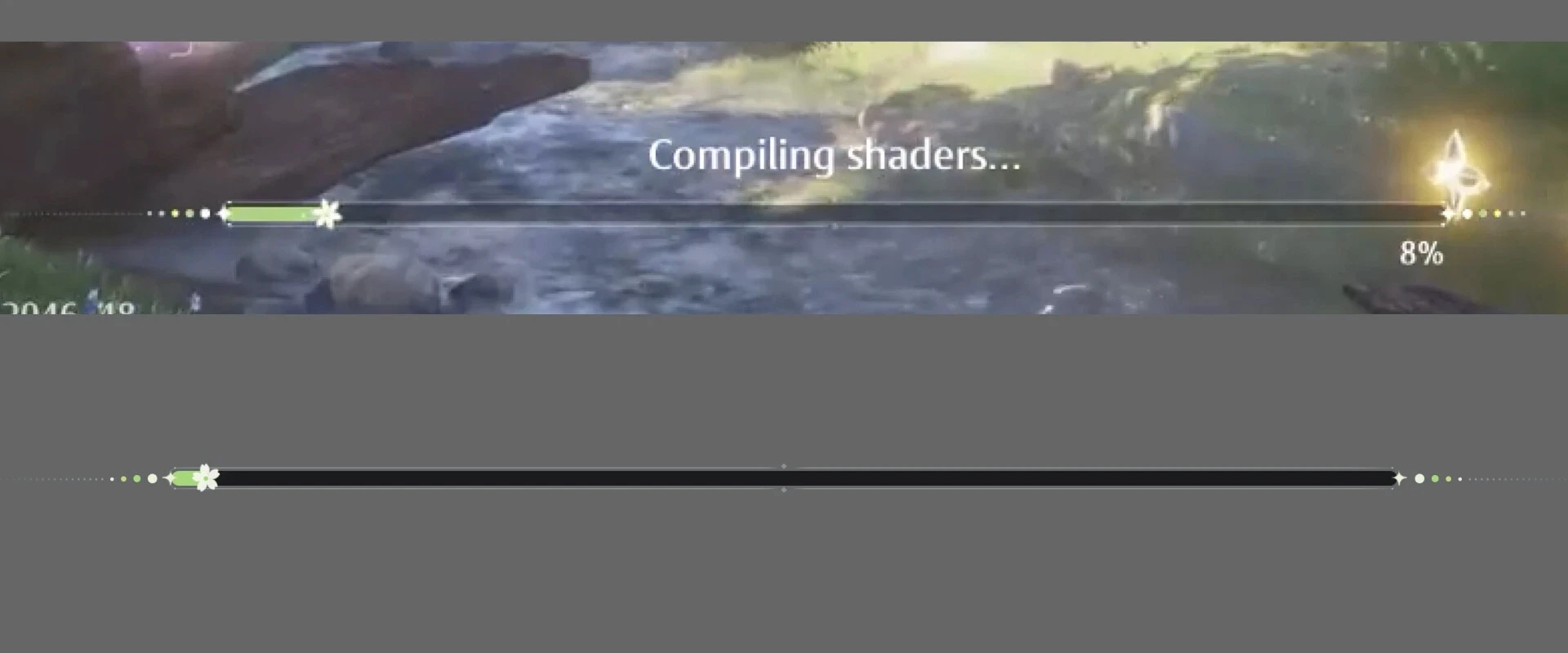
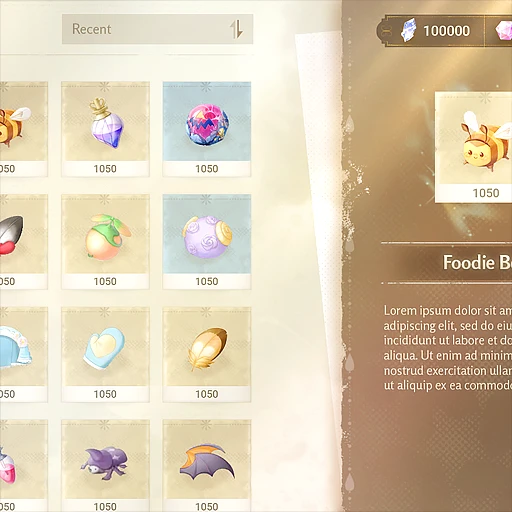
During my December 2024 vacation, I spent time playing Infinity Nikki and was impressed by its elegant interface design. That inspired me to reconstruct one of its progress bar components in Unreal Engine, focusing on how to achieve a similar feel and polish.
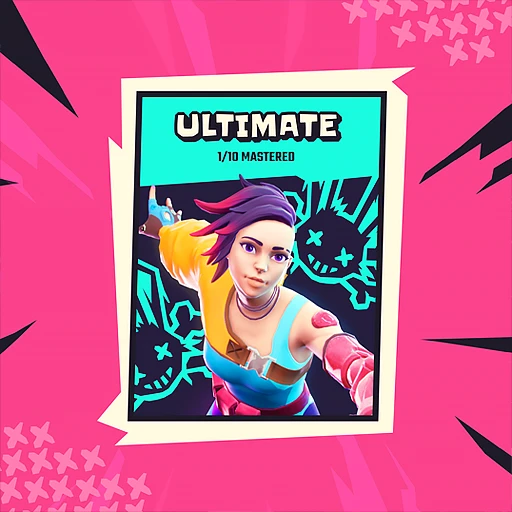
Creditos go to InfoldGames.

Project Overview

During my December 2024 vacation, I spent time playing Infinity Nikki and was impressed by its elegant interface design. That inspired me to reconstruct one of its progress bar components in Unreal Engine, focusing on how to achieve a similar feel and polish.
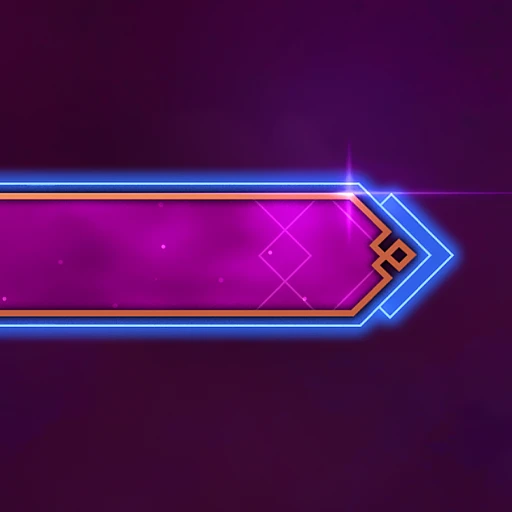

Creditos go to InfoldGames.

Project Overview

During my December 2024 vacation, I spent time playing Infinity Nikki and was impressed by its elegant interface design. That inspired me to reconstruct one of its progress bar components in Unreal Engine, focusing on how to achieve a similar feel and polish.
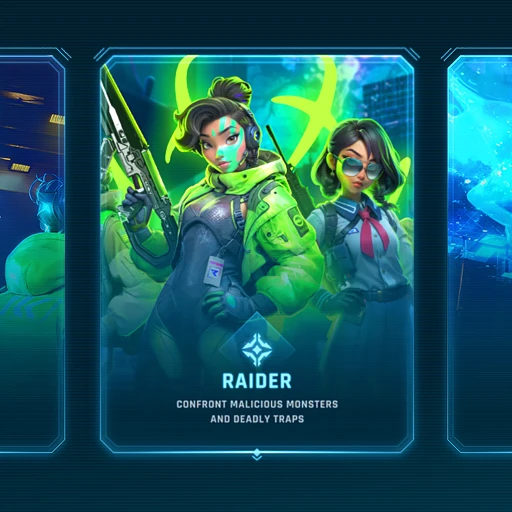

Creditos go to InfoldGames.

Project Overview

During my December 2024 vacation, I spent time playing Infinity Nikki and was impressed by its elegant interface design. That inspired me to reconstruct one of its progress bar components in Unreal Engine, focusing on how to achieve a similar feel and polish.
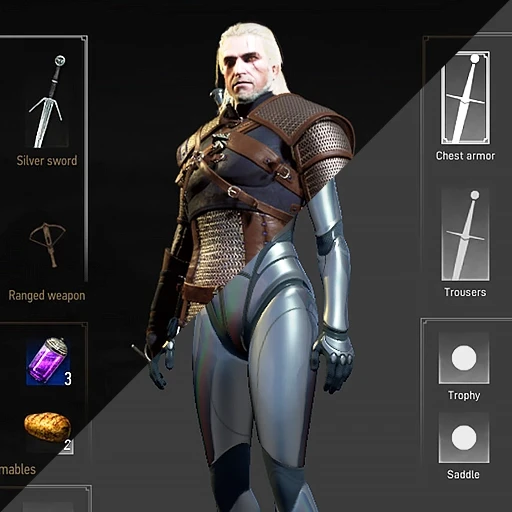

Creditos go to InfoldGames.

Project Overview

During my December 2024 vacation, I spent time playing Infinity Nikki and was impressed by its elegant interface design. That inspired me to reconstruct one of its progress bar components in Unreal Engine, focusing on how to achieve a similar feel and polish.

Creditos go to InfoldGames.

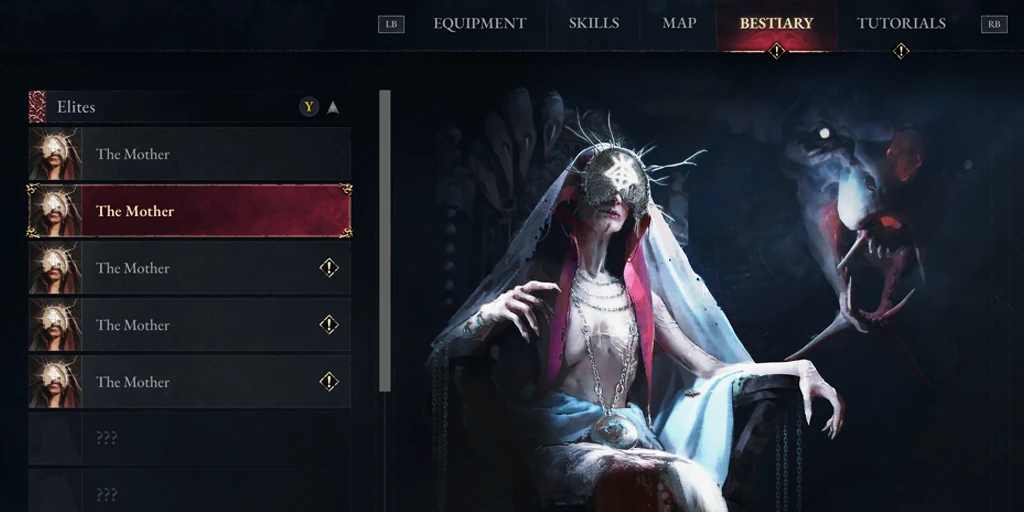
Game inventory screen with a humanoid robotic character on the right. The interface shows item categories such as weapons, armor, consumables, and equipment slots for chest armor, gloves, trousers, boots, and horse gear. The left panels display grids filled with sword icons, representing stored items. At the top, the interface shows inventory weight, currency, and a level indicator with progress toward level 3. The bottom-right corner displays vitality and toxicity stats with progress bars.

Progress bar from Infinity Nikki by Infold Games x What I replicated in Photoshop for educational purposes only.

Main Takeaways

• Crafted the textures in Photoshop, B&W so I could tint it using materials in UMG;

• Created custom UI materials, including one to rotate the flower, a gradient fill, and a subtle sparkle effect along the flower’s tail;

• Used the timeline animation just to check how a filling bar behavior would look like.

Main Takeaways

• Crafted the textures in Photoshop, B&W so I could tint it using materials in UMG;

• Created custom UI materials, including one to rotate the flower, a gradient fill, and a subtle sparkle effect along the flower’s tail;

• Used the timeline animation just to check how a filling bar behavior would look like.

Main Takeaways

• Crafted the textures in Photoshop, B&W so I could tint it using materials in UMG;

• Created custom UI materials, including one to rotate the flower, a gradient fill, and a subtle sparkle effect along the flower’s tail;

• Used the timeline animation just to check how a filling bar behavior would look like.

Main Takeaways

• Crafted the textures in Photoshop, B&W so I could tint it using materials in UMG;

• Created custom UI materials, including one to rotate the flower, a gradient fill, and a subtle sparkle effect along the flower’s tail;

• Used the timeline animation just to check how a filling bar behavior would look like.

Main Takeaways

• Crafted the textures in Photoshop, B&W so I could tint it using materials in UMG;

• Created custom UI materials, including one to rotate the flower, a gradient fill, and a subtle sparkle effect along the flower’s tail;

• Used the timeline animation just to check how a filling bar behavior would look like.